Translate Instagram Reels Online for Free

Tutorials & Guides
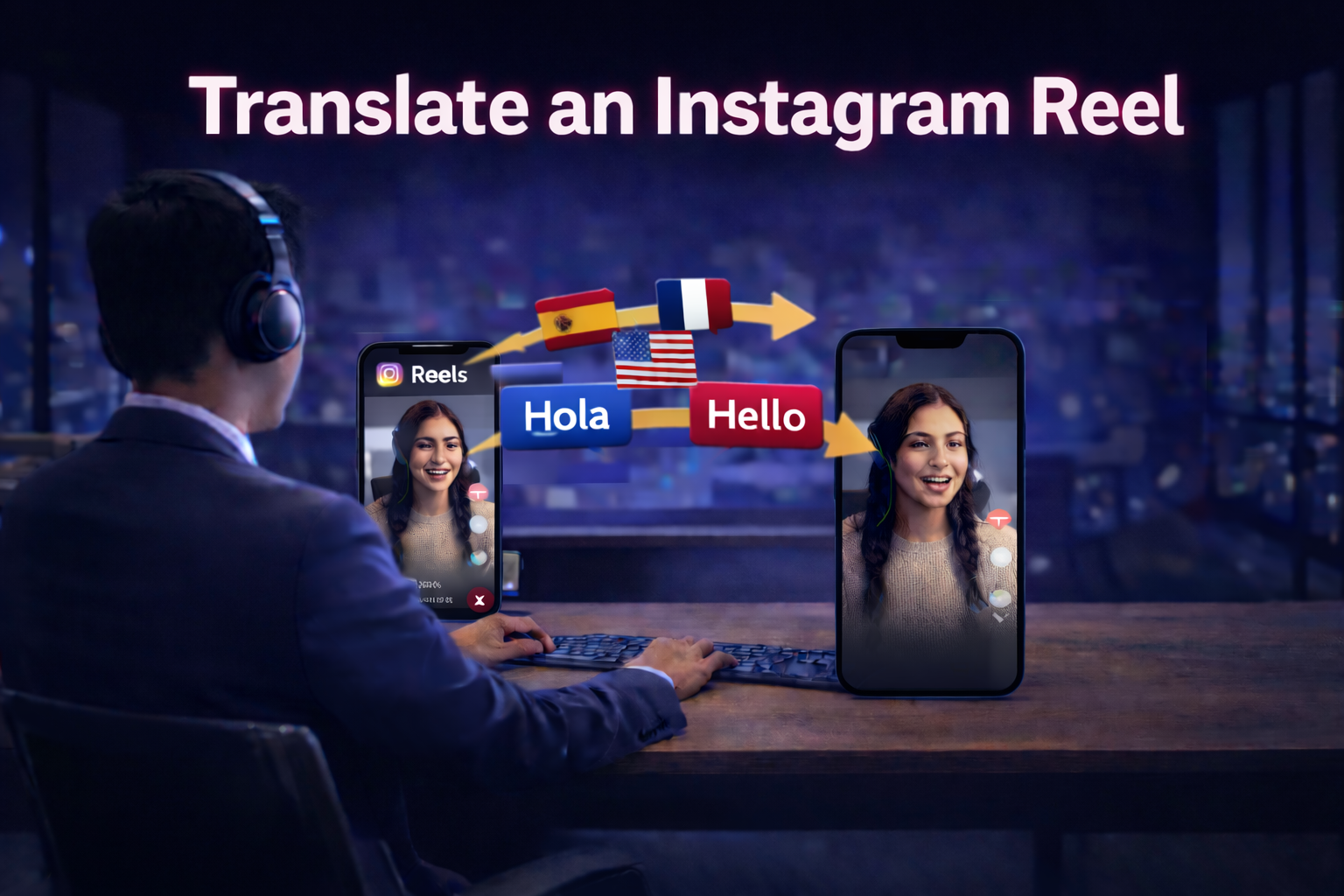

Instagram Reels are built for fast discovery, but language can limit how far your content travels. If you want your Reels to perform in new markets, translating the spoken audio is one of the quickest ways to localize content without changing your format. With CHAMELAION, the workflow is simple: download your Reel, upload it to CHAMELAION, pick your target language(s), enable optional features like Lip Sync or Background Sound Retention, then export a ready-to-post version.
Before you can translate an Instagram Reel through CHAMELAION, you need the video file saved locally.
How to download an Instagram Reel:
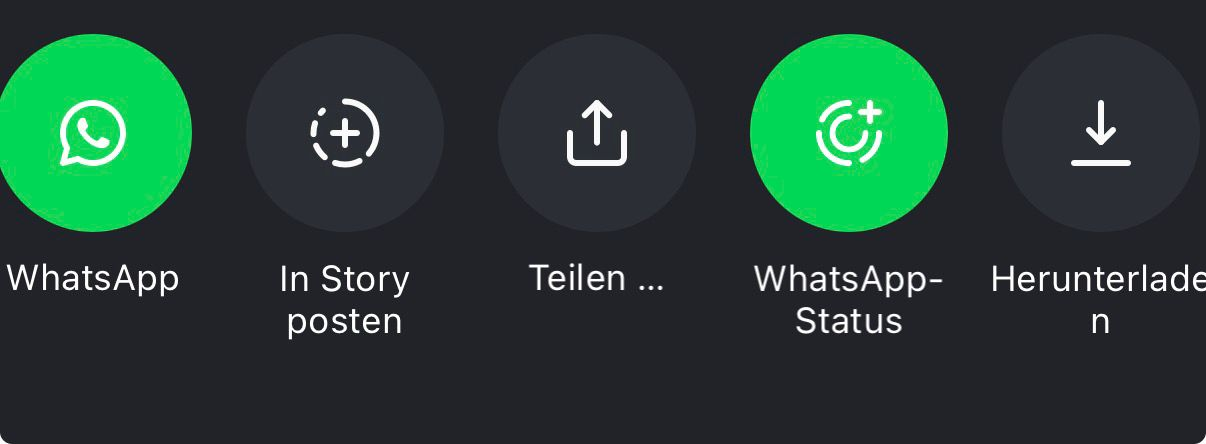
Once the Reel is on your device, you are ready to upload it like any other video file.
Go to app.chamelaion.com and either log in or create a free account.
If you are new, you can sign up with Google, or use your email and password. After signing up, you will be asked to verify your email and set your display name.
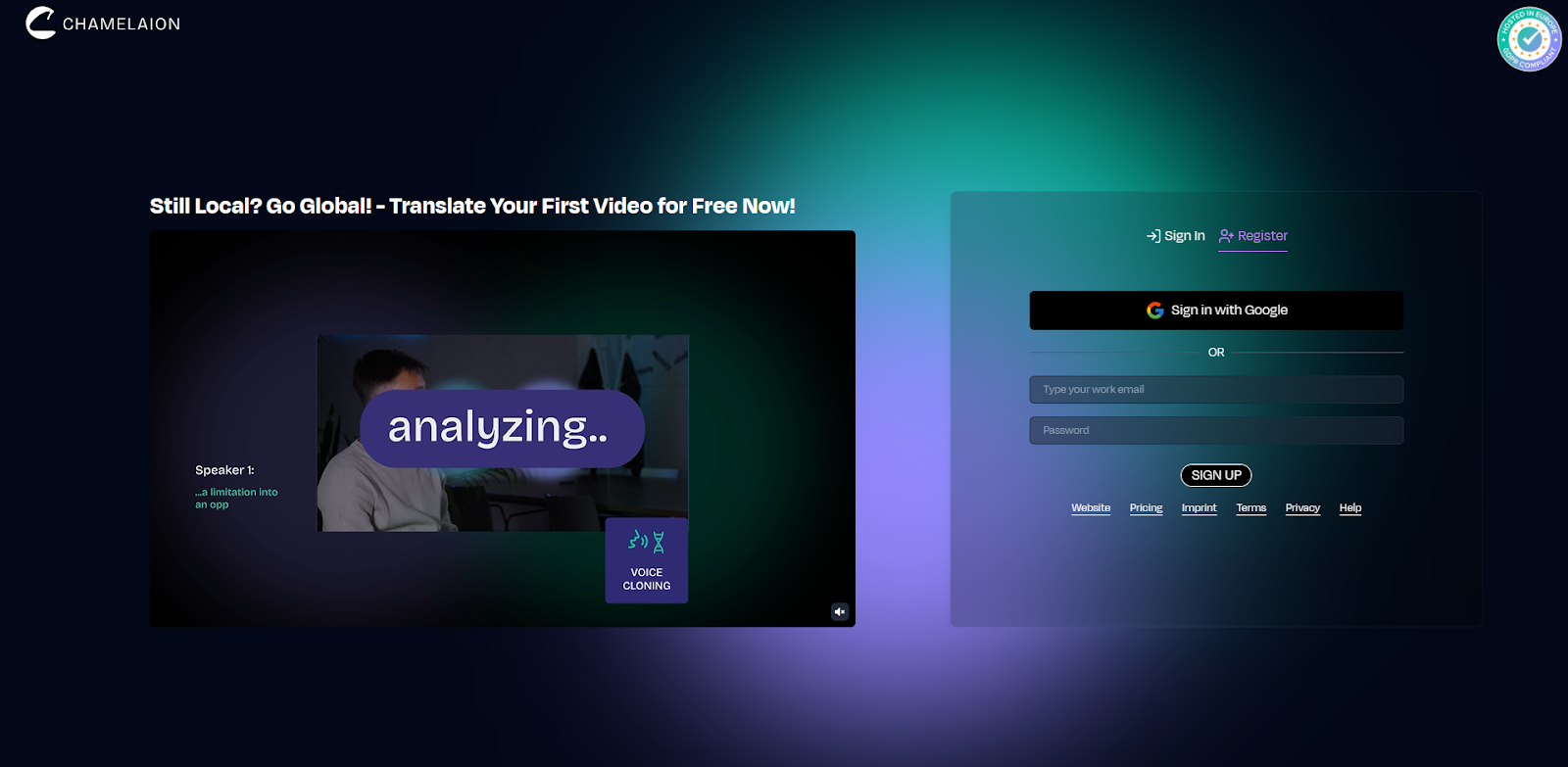
After logging in, upload the Reel video file.
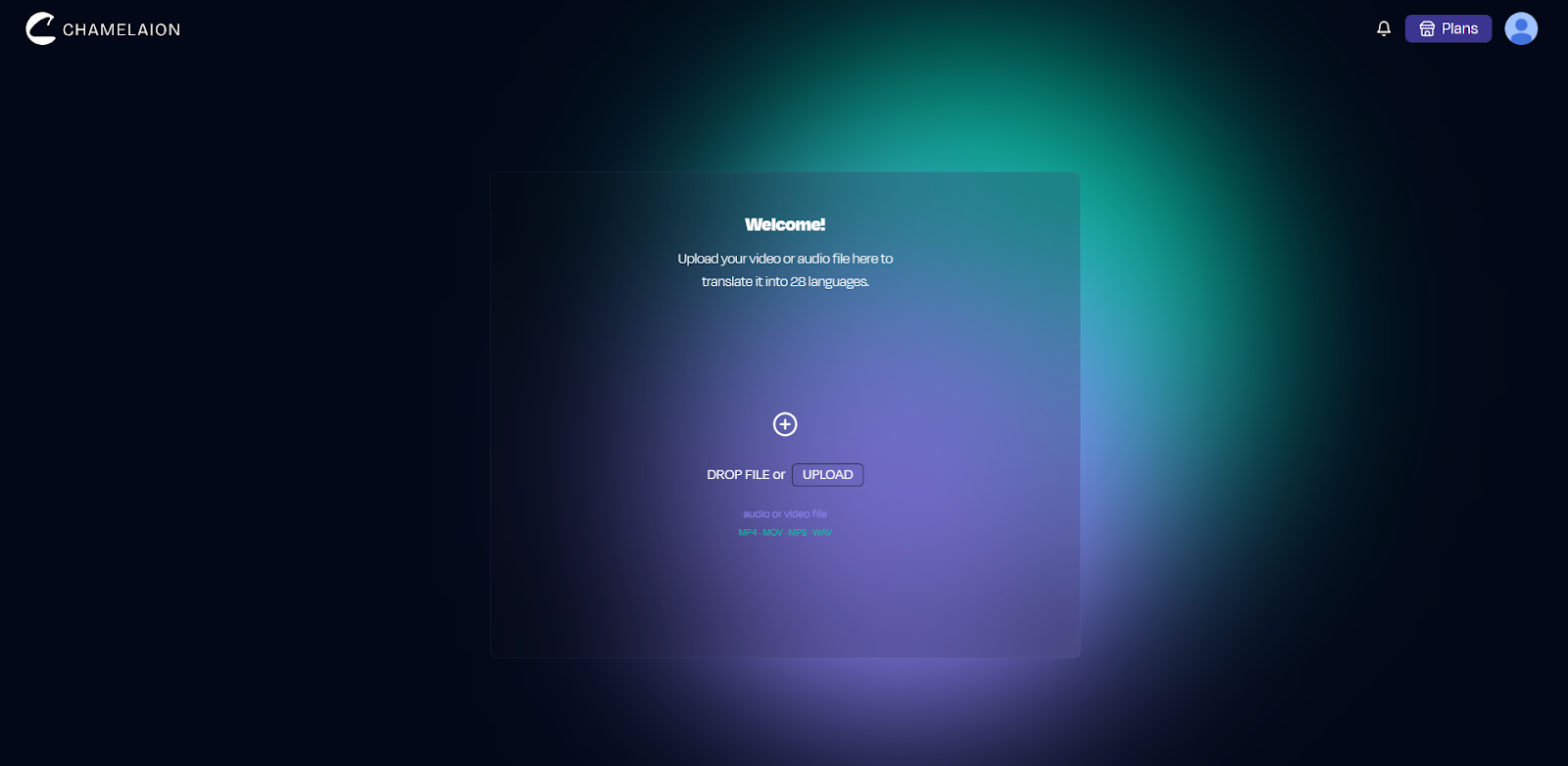
Tip: Reels are usually saved in a common video format, so you can upload them right away without converting anything.
CHAMELAION will detect the spoken language automatically. Confirm the detected source language before translating.
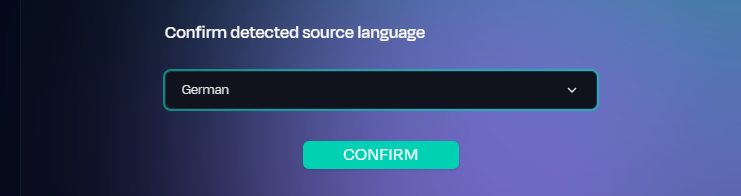
If the language is not correct, change it manually. This step matters because better transcription leads to better translation.
Now select the language, or multiple languages, you want your Instagram Reel translated into.
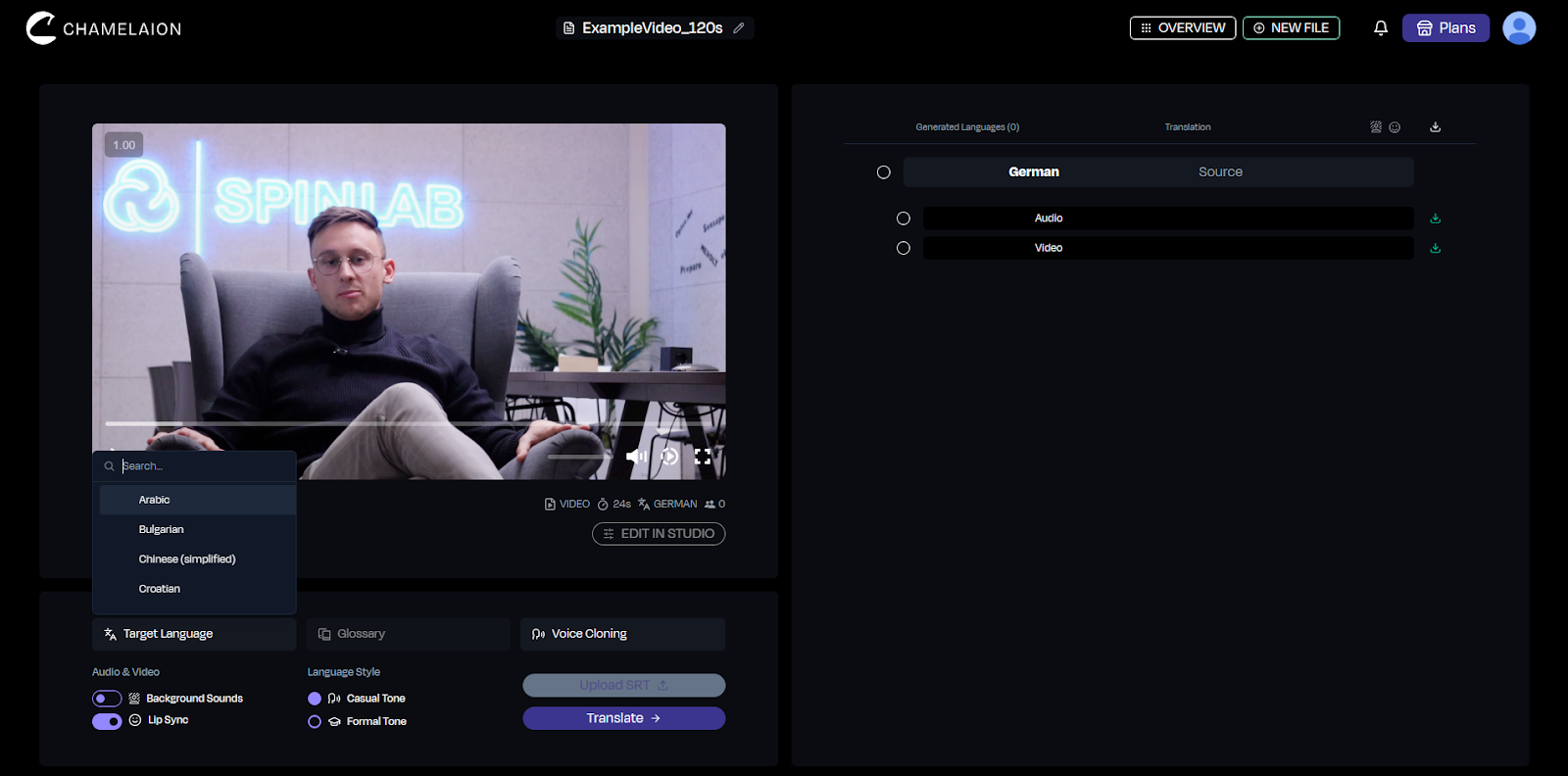
For Reels, it often helps to start with one language first, then expand once you see which markets respond best.
Before you click Translate, you can enable helpful options depending on your content style.
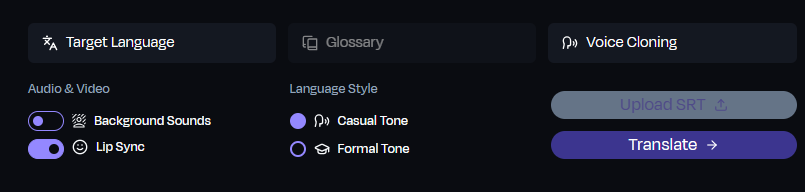
Background Sound Retention
If your Reel includes music, ambience, or sound effects you want to keep, enable Background Sounds. This keeps the original vibe while the spoken voice is translated.
Lip Sync
If your Reel is face to camera and you want the translated audio to match mouth movements more closely, enable Lip Sync.
If you skip these options, you still get a clean translated result. These are optional upgrades to make the translation even better.
Once your source language, target language(s), and options are set:
Your exported video is ready to upload to a localized Instagram account, reuse in paid ads, or repost across channels.
If the translation is not perfect on the first pass, open the Dubbing Studio to refine the result. This is where you can adjust:
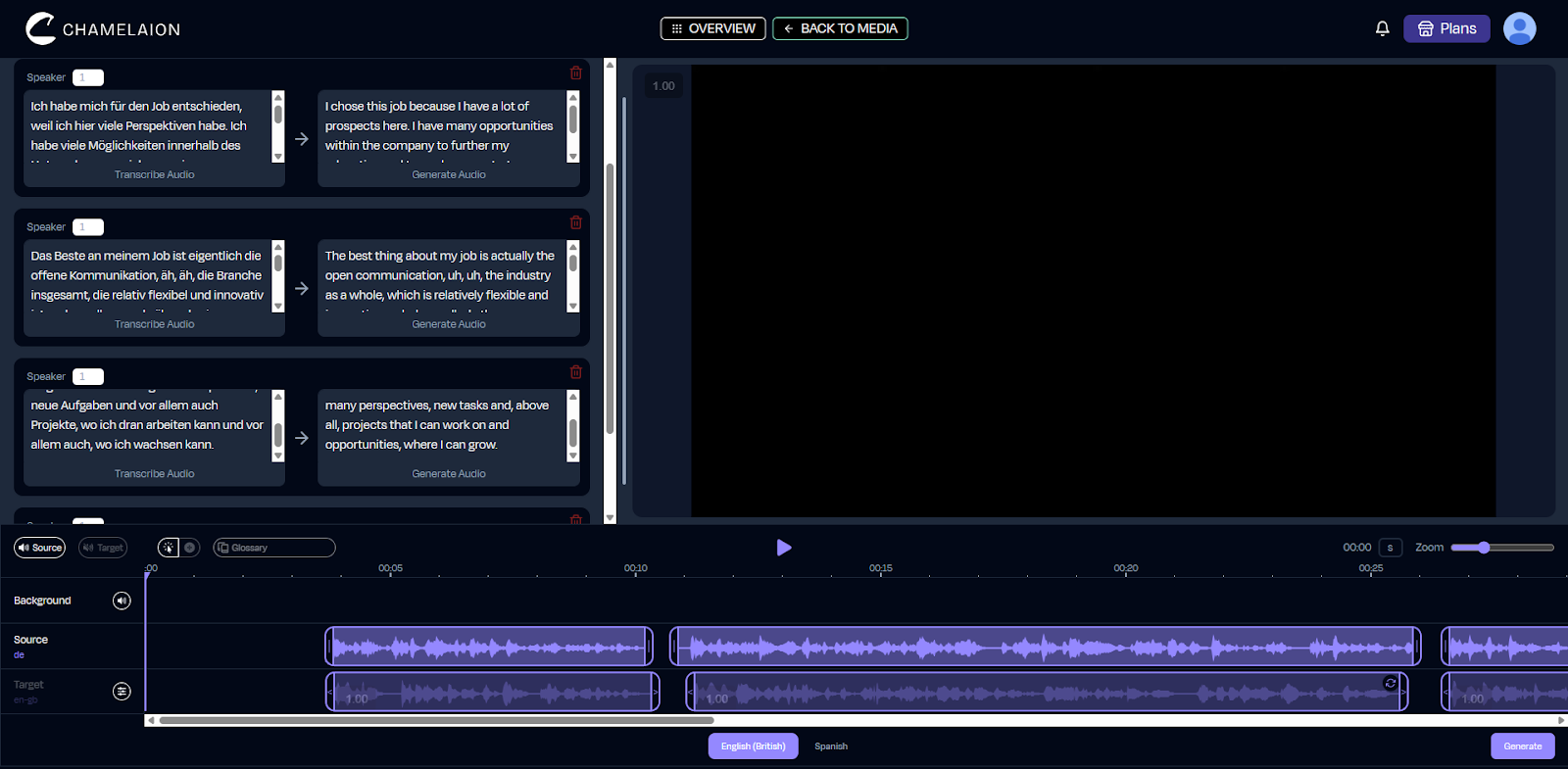
Then export again once you are happy with the final version.
To translate an Instagram Reel online for free with CHAMELAION:
Ready to translate your Instagram Reel? Start hereWant to learn more about CHAMELAION first? Visit our WebsiteRead more in the CHAMELAION Blog.
Can I really translate Instagram Reels online for free?
You can start for free in CHAMELAION and run translations depending on your plan and available credits. If you are translating lots of content or many languages, you will typically want to upgrade your CHAMELAION plan.
Learn more about our Plans on our Pricing Page.
Can I translate one Reel into multiple languages?
Yes. Select multiple target languages to generate multiple localized versions.
Do I need video editing software?
No. You can upload, translate, preview, and export all directly within CHAMELEON’s platform.
How do I know when my Reel is done?
Once processing is finished, you can preview the translated version and download the export.
What if the translation is not perfect?
Open the Dubbing Studio to refine wording, pronunciation, timing, and delivery, then export again.
Compare Kling, CHAMELAION and Sync 3 with video examples, per-minute pricing, features, and access through platforms, APIs and SDKs.

Translate Hindi and Portuguese video or audio with CHAMELAION. Upload, choose languages, click Translate, then preview and export in minutes.


© 2025 CHAMELAION GmbH